Point of sale
A fast till that knows when the money's in
Scan, take cash or a QR transfer, print the receipt. With SePay connected, the till shows "Received" the moment the customer's transfer lands — no more checking the banking app.
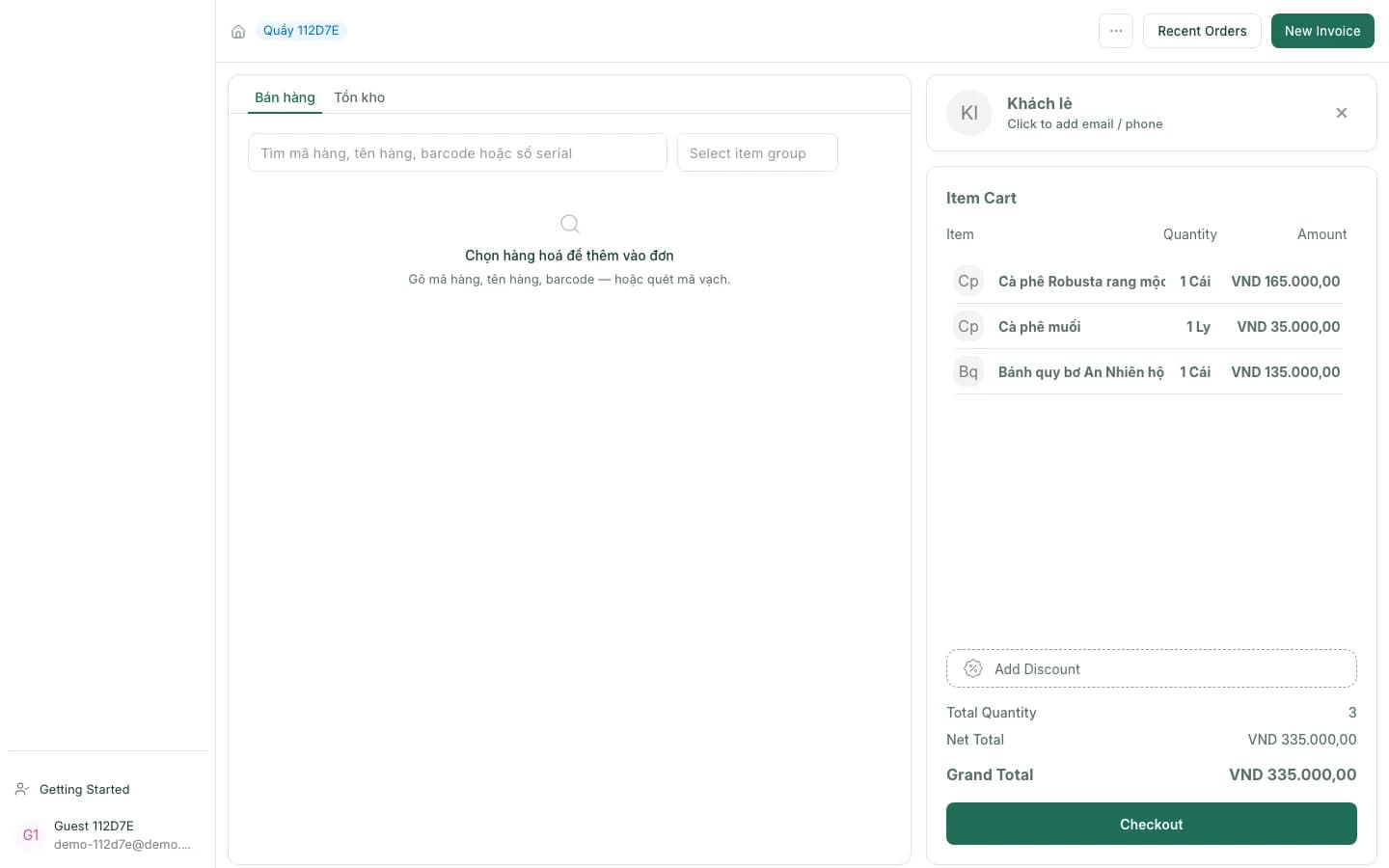
What's at the till
From the first scan to closing the shift, it all happens on one screen.
Search and scan instantly
Find items by name, code, barcode or serial number; a scanned barcode goes straight into the cart.
QR with the amount built in
A VietQR code with the amount and a payment code appears right on the till.
Confirmed when the money lands
With SePay, the till shows "Received …" and records the payment as soon as the transfer arrives.
Stock at every branch
The "Stock" tab shows how many of an item each warehouse and branch has.
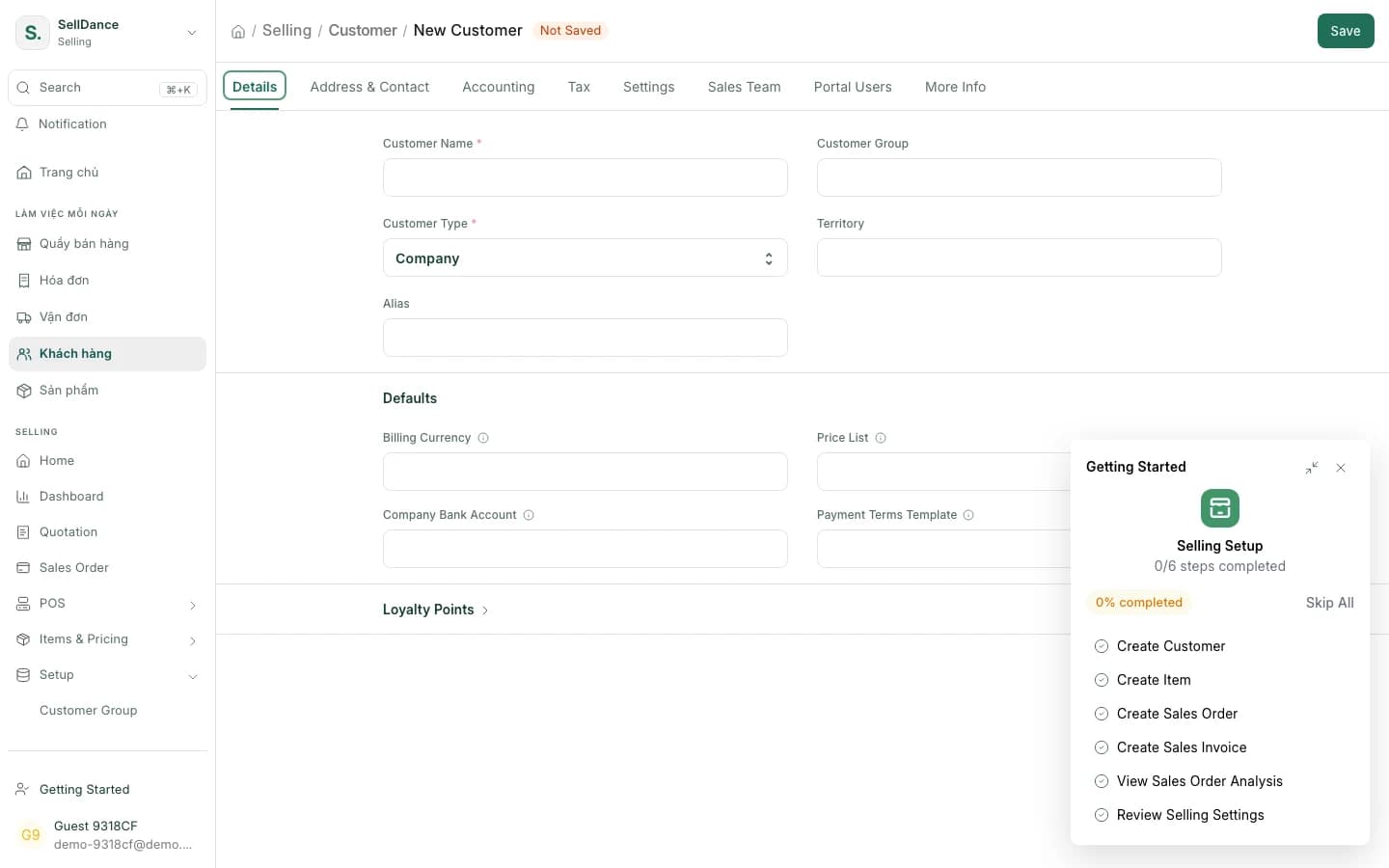
New customer in one click
Add a customer from the till with a short quick-entry form and the 34-province address picker.
Posted as you sell
Each sale goes to the books immediately — no end-of-day merge.
Open and close shifts
Every shift has a clear owner; closing it wraps up the shift's numbers.
42 Vietnamese banks
Adding a bank account asks for just the bank, the account number and the holder's name.
From scan to paid
What makes the SellDance till more than a cash register.
QR payments & SePay
The customer transfers, the till says it's paid
The till shows a VietQR code with the amount and a payment code. With SePay connected, the screen says "Received …" as soon as the money is in, and the payment is recorded on the sale.
- Works with 42 Vietnamese banks
- Each till uses its own bank account
- Without SePay, the QR still carries the exact amount
- Amount
- 245.000 ₫
- Payment code
- SD1024
The customer scans with any banking app.
Received 245.000 ₫
Confirmed automatically via SePay
Customers & addresses
Addresses on the new administrative map
The address picker follows the 34 provinces and 3,321 wards and communes in force since 1 July 2025, and the old 63-province structure is still selectable. Typing "ba dinh ha noi" without tone marks still finds the right place.
- A short quick-entry form with only what you need
- Add customers straight from the till
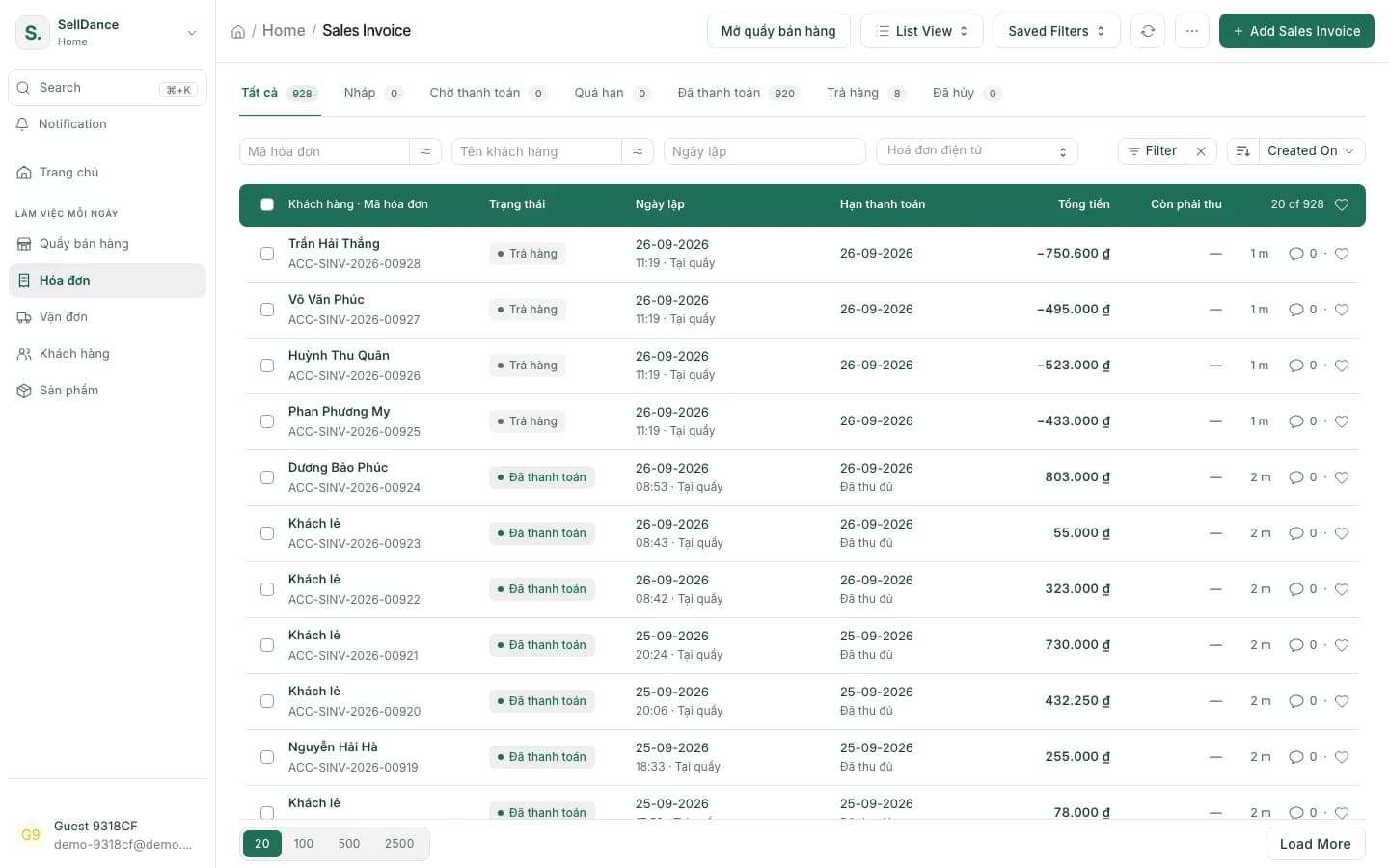
Books
Every sale posted the moment it happens
Till sales are posted immediately, so revenue, cash and stock agree in real time. At the end of the day you just close the shift.
- All sales invoices in one list
- Profit & loss comes from these very sales
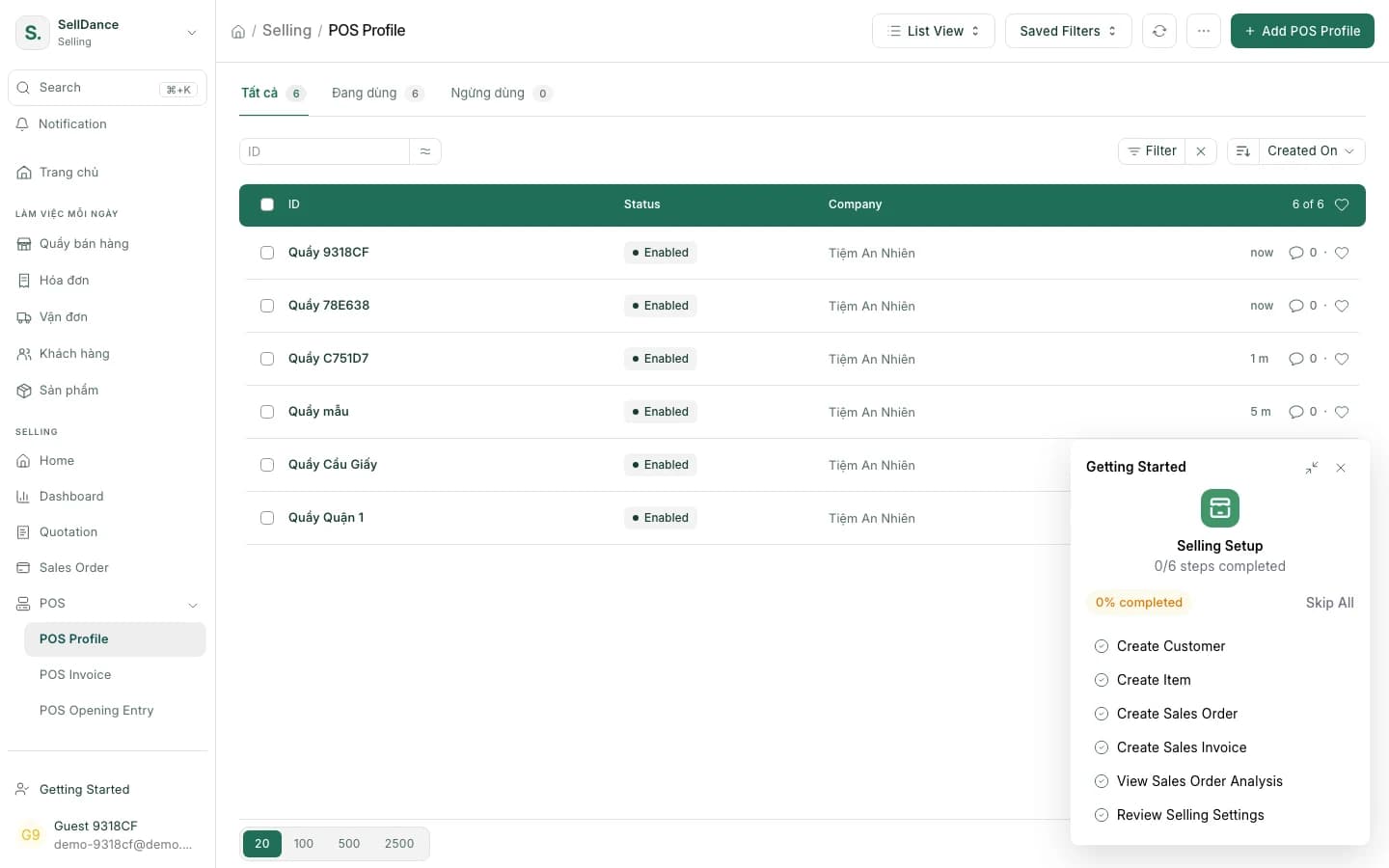
Branches & roles
Each till, its own setup
Every till has its own bank account, e-invoice series and tax location. Staff get roles so each person does their own part of the job.
- Transfers land in the right branch's account
- Invoices and tax kept apart per till
How a shift goes
- 1
Open the shift
The cashier opens a shift at the till or on the app.
- 2
Scan, pick the customer
Items go straight into the cart; add a new customer if needed.
- 3
Take payment
Cash or QR — with SePay it confirms itself when the money lands.
- 4
Close the shift
Sales were posted as they happened; closing wraps up the numbers.
Point-of-sale questions
Can I use a barcode scanner?
Yes. A scanned barcode goes straight into the cart. You can also search by name, item code or serial number.
What is SePay, and do I need it?
SePay is a service that reports incoming bank transfers. It's optional: without it the till still shows a QR code with the exact amount and you confirm the payment as usual. With it, the till shows "Received" and records the payment on its own.
Do I have to merge the books at the end of the day?
No. Every sale is posted as it happens, so reports are always current. At the end of a shift you just close it.
Can I run several tills across branches?
Yes. Each till has its own bank account, e-invoice series and tax location, and stock at every branch is visible from the till.
Can I still use addresses from the old 63 provinces?
Yes. The default is the 34-province map in force since 1 July 2025, but the old 63-province structure is still selectable. Search also works without tone marks.
Ring up a sale on the demo till
Open a shift, scan, take a QR payment and simulate the customer's transfer — on the demo shop.