Inventory
Know what's left, and where it is
SellDance tracks stock separately for every warehouse and branch. A sale at the till reduces stock instantly, and staff can check stock at the till or on their phone before promising anything.
Tidy stock, numbers you can trust
Many warehouses, many branches
One or more warehouses per branch; stock kept separately for each.
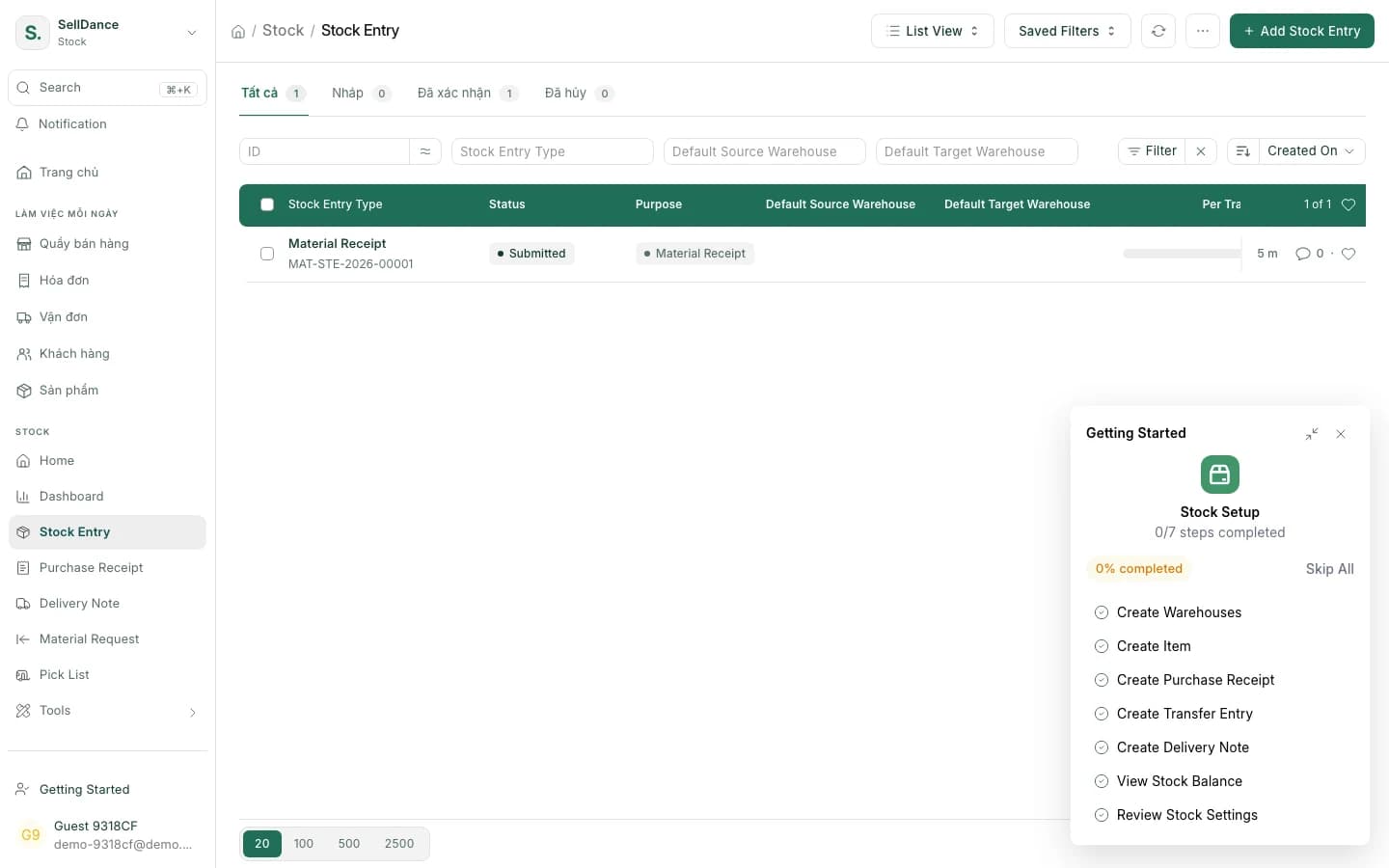
Stock entries
Receive, issue and transfer stock between branches with stock entries.
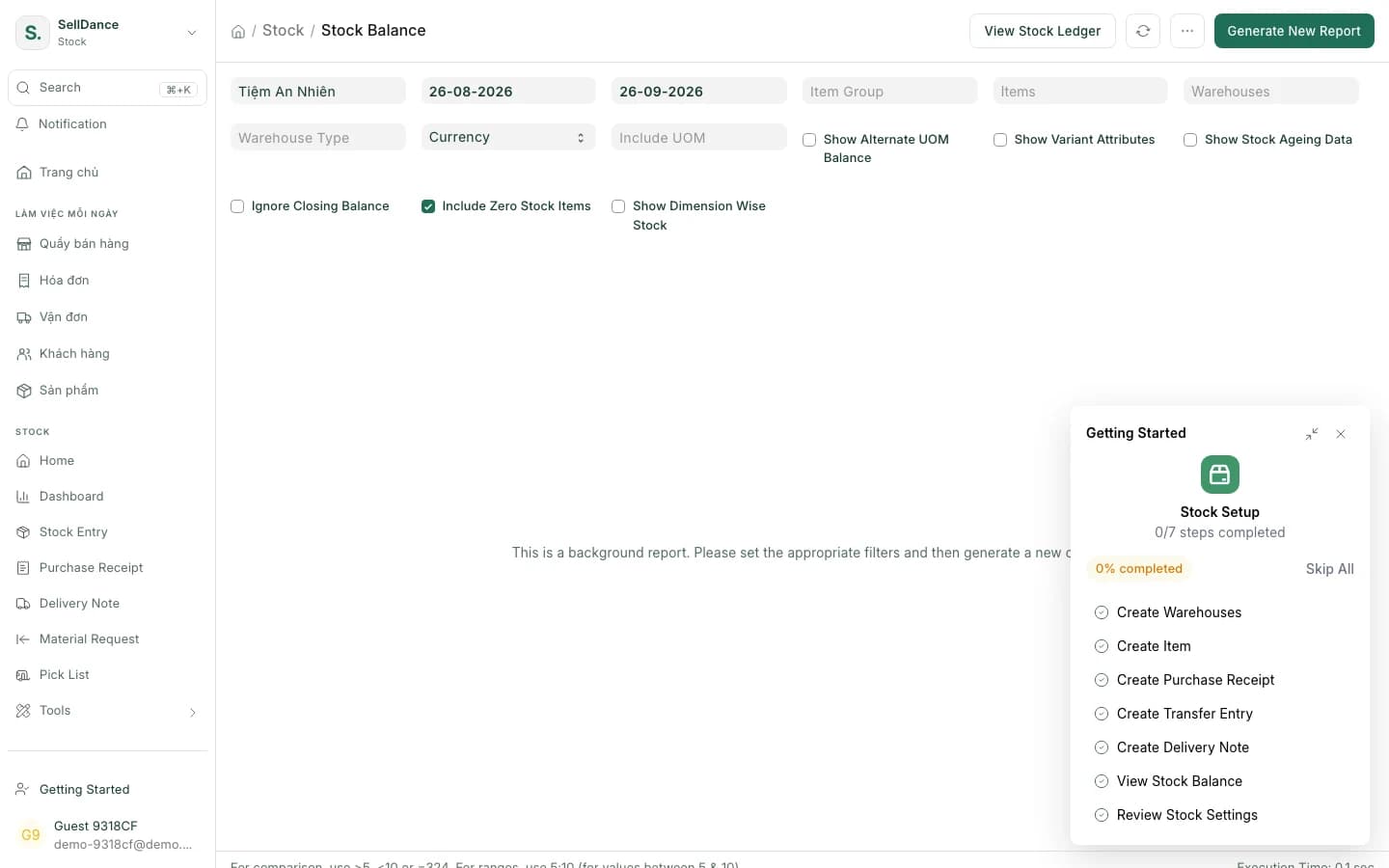
Stock balance report
In, out and balance for every item in every warehouse, over the period you choose.
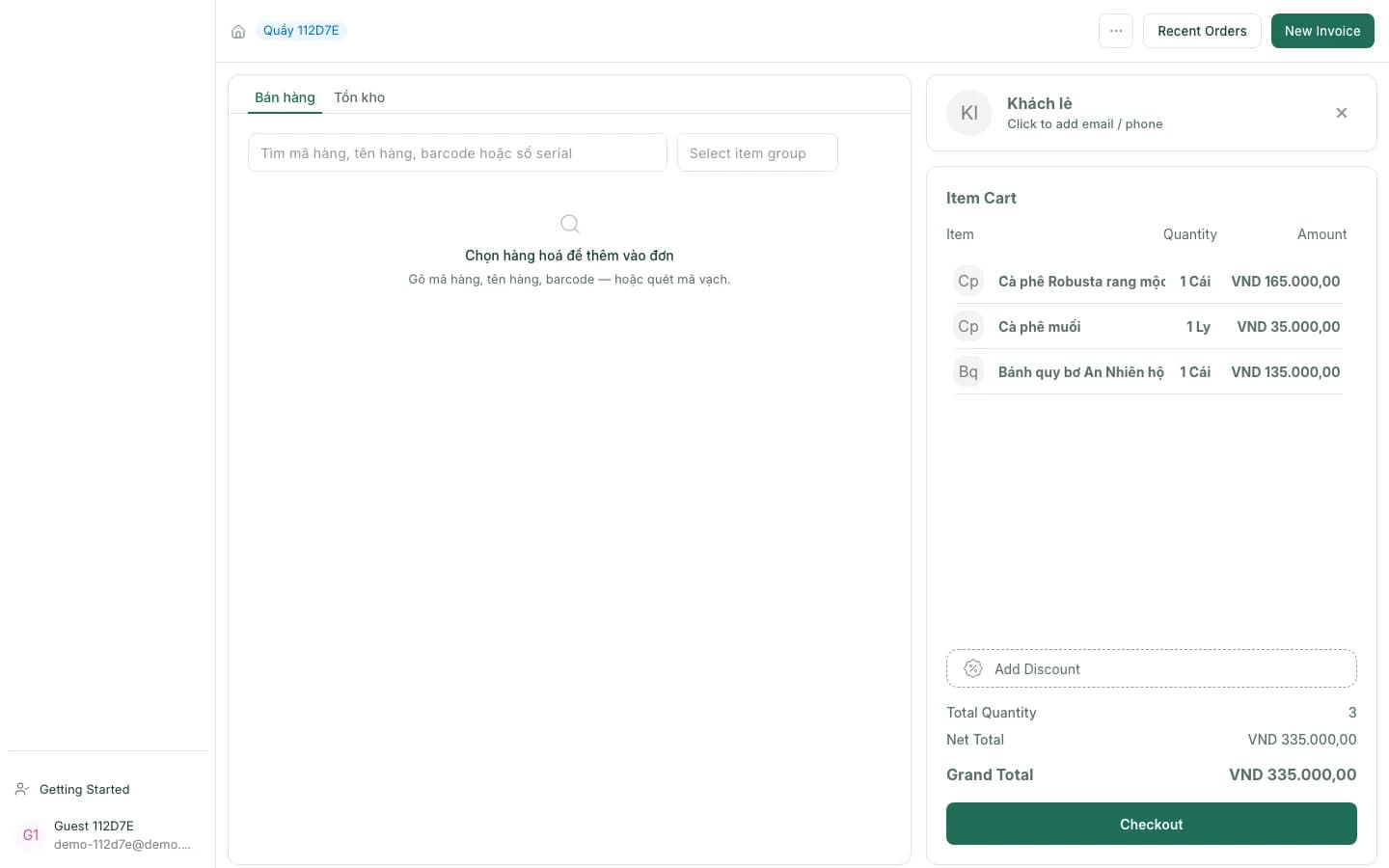
Stock at the till
The till's "Stock" tab shows which branch still has an item.
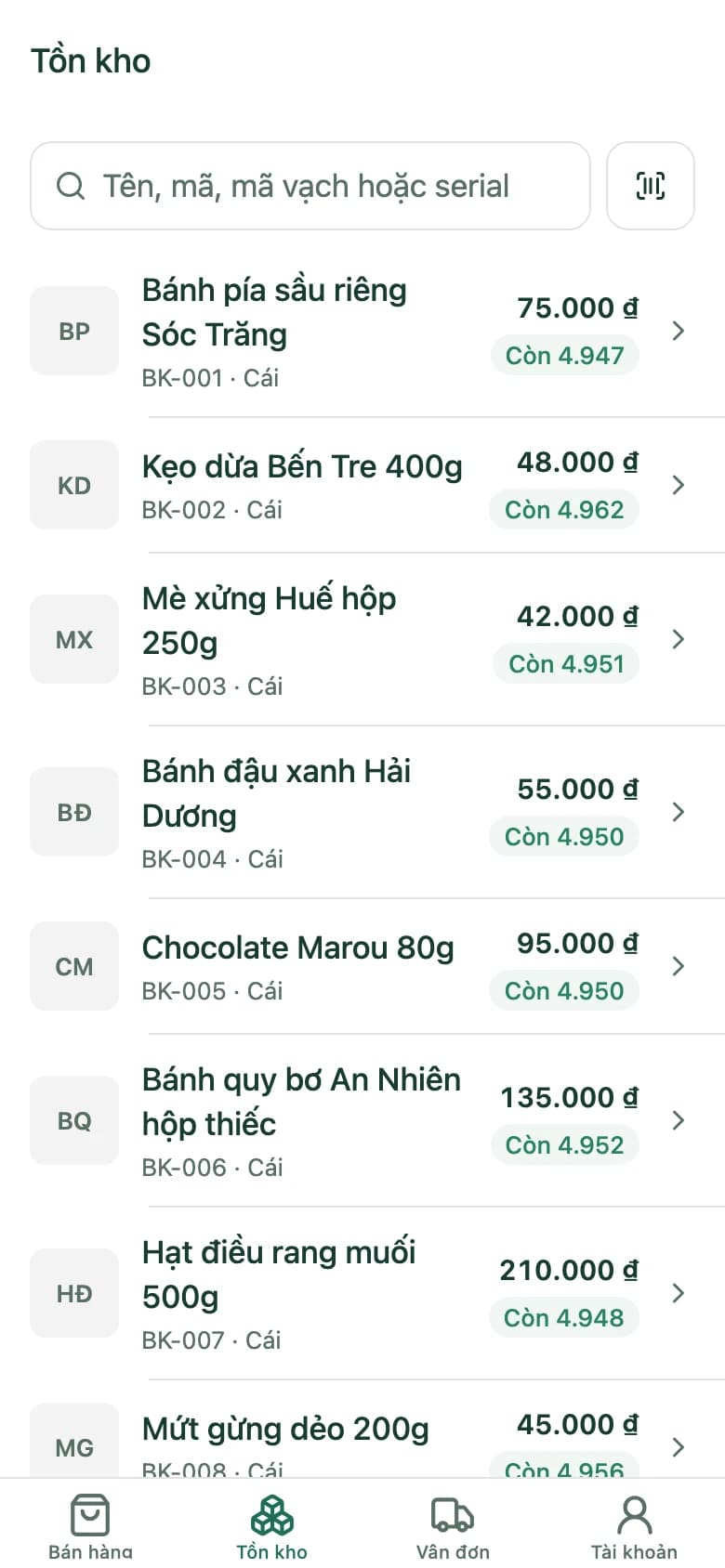
Stock on the app
On the phone, each item shows on shelf, reserved and projected quantities per warehouse.
Updated with every transaction
Sales, returned parcels and stock entries update stock as soon as they're recorded.
Inventory, situation by situation
Stock entries
Receipts, issues and transfers, all documented
Every time goods come in, go out or move between branches there's a stock entry behind it, so every number can be traced back.
- Move goods between warehouses and branches
- Stock updates as soon as the entry is recorded
At the till
Out here, in stock over there
When a customer asks for something that's sold out, the cashier opens the "Stock" tab right on the till to see which branch has it — no phone calls.
On the phone
On shelf, reserved, projected
The mobile app shows stock per warehouse as three numbers: what's on the shelf, what's reserved for orders, and what's projected.
Getting started with inventory
- 1
Set up warehouses and branches
One or more warehouses per branch, linked to its tills.
- 2
Receive stock with an entry
Record goods coming in; stock is available immediately.
- 3
Sell and keep track
Sell at the till, on the app or by COD — stock goes down on its own, returns come back in.
Inventory questions
I have several shops. Can I see stock across all of them?
Yes. Each branch has its own warehouse, and the stock balance report works per warehouse or across all of them. At the till, the "Stock" tab shows which branch has an item.
How do I move goods between branches?
With a transfer stock entry: pick the source warehouse, the target warehouse and the items. Both sides update when the entry is recorded.
Do parcels returned by the carrier go back into stock?
Yes. For a returned shipment, one click creates the credit note and puts the goods back in stock.
Can staff check stock on their phones?
Yes. The SellDance app shows stock per warehouse as on shelf, reserved and projected.
Check stock across branches on the demo shop
The sample shop has several branches and plenty of products — open the till or the stock balance report.