E-invoices
Ring it up, and the invoice is issued — never twice
SellDance issues an e-invoice from the cash register via Viettel SInvoice for every sale. The 80mm receipt carries a QR code so customers can look it up and download the PDF.
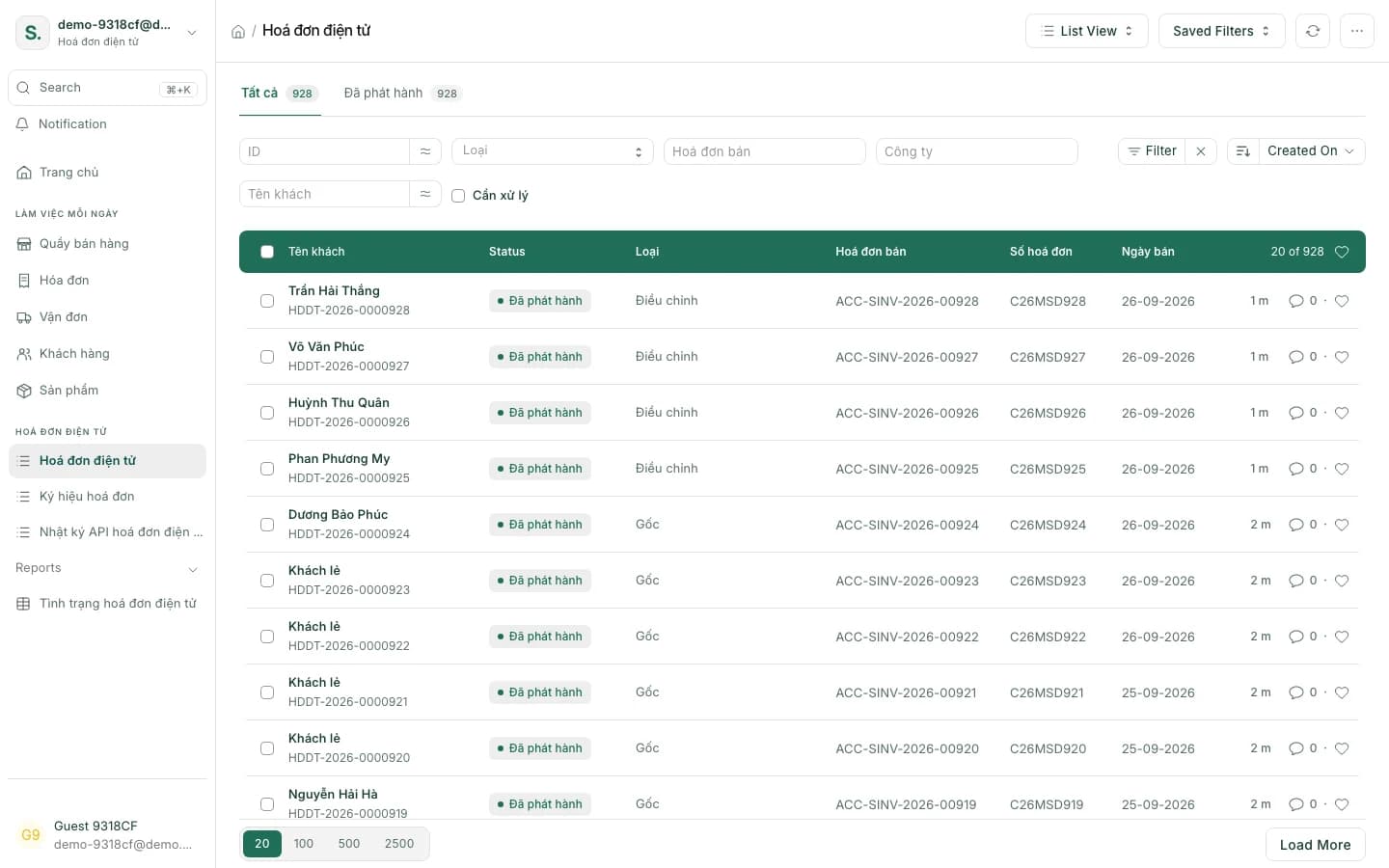
E-invoicing without extra steps
Issued with every sale
Complete a sale and its invoice is issued from the cash register.
Never issued twice
One sale, one invoice — even when the system retries.
80mm receipt with a QR
Customers scan it to open the lookup page and download the PDF.
Replacement or adjustment
Mistakes are handled under Decree 254/2026 and Circular 91/2026 — no cancellation.
Returns adjust themselves
A return automatically creates the adjustment invoice.
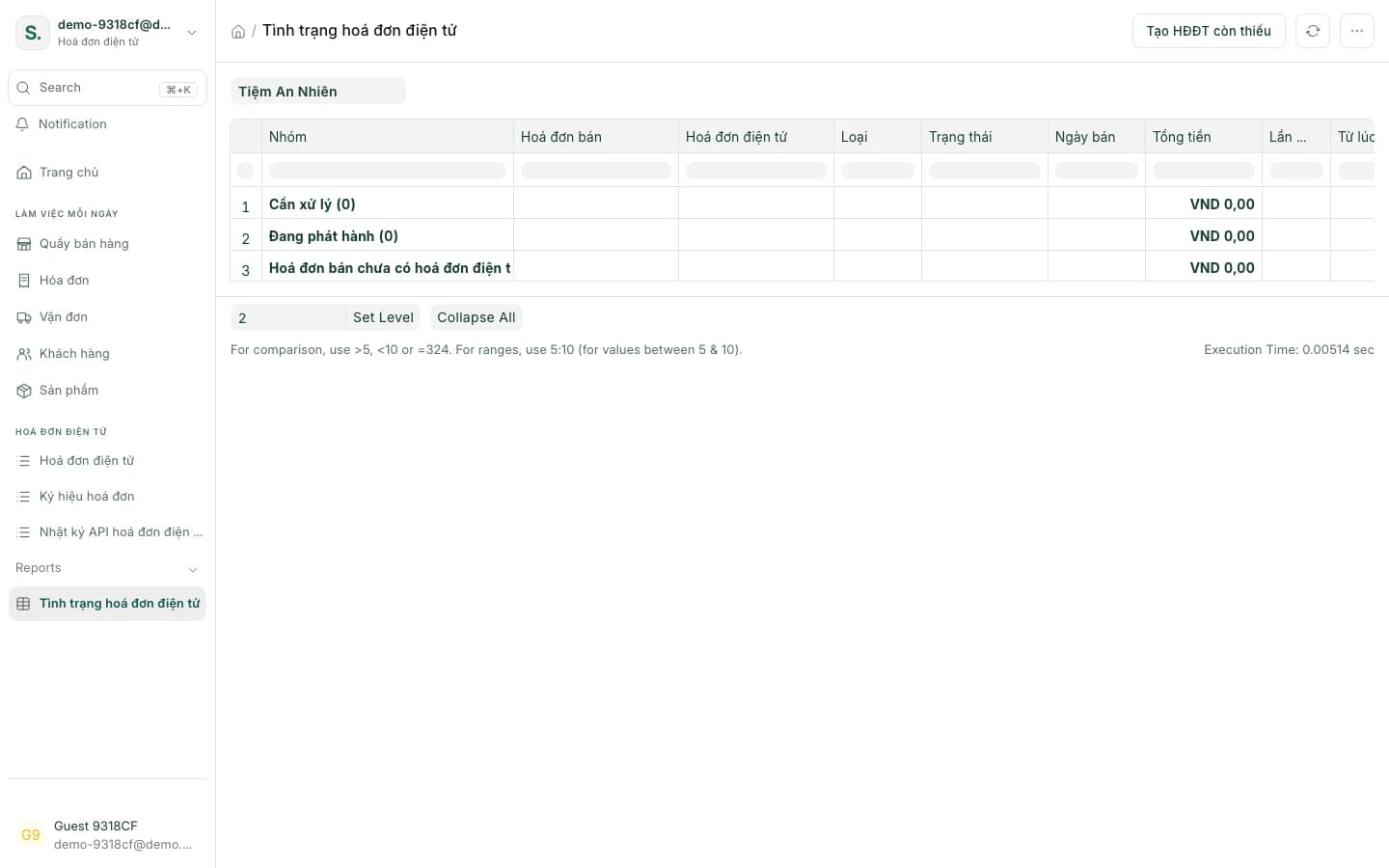
Status report
See which sales have invoices; create the missing ones with one button.
A series per till
Each till uses its own invoice series.
Invoice requests on the app
Selling on a phone, customers can still ask for an e-invoice at checkout.
Compliant for the tax office, easy for the shop
Invoice lookup
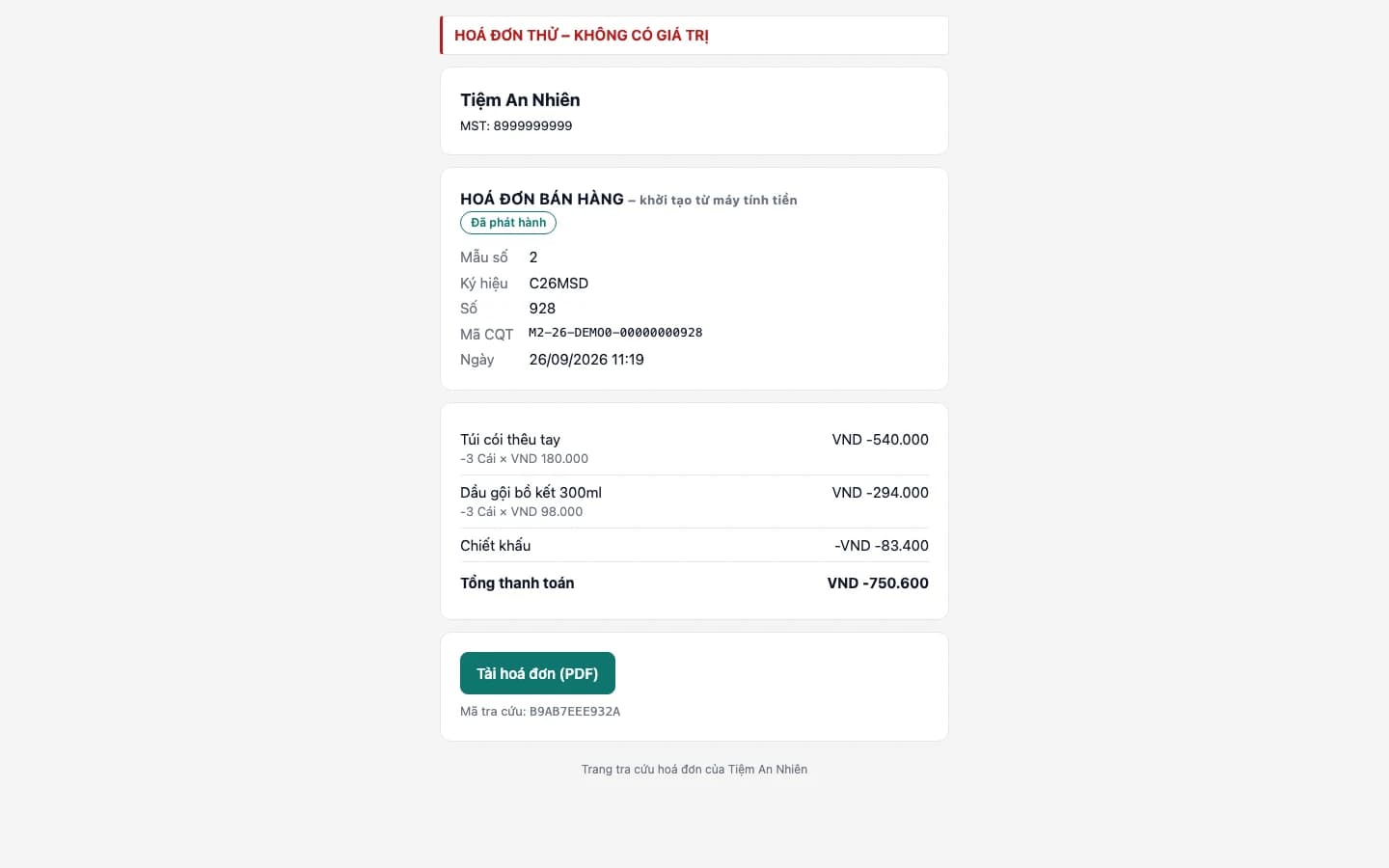
Customers look invoices up with a QR code
The 80mm receipt carries a QR code. Customers scan it to open the public lookup page, view the invoice and download the PDF — no need to send each one yourself.
Replacement & adjustment
Fixing mistakes under the new rules
Under Decree 254/2026 and Circular 91/2026, issued invoices are no longer cancelled. SellDance issues a replacement or an adjustment invoice, and creates the adjustment automatically when a customer returns goods.
Original invoice
Issued
Replacement invoice
A new invoice takes the place of the wrong one.
Adjustment invoice
Adjusts only the part that was wrong, up or down.
Cancel the invoice — no longer allowed under Decree 254/2026 and Circular 91/2026
Customer returns? The adjustment invoice is created automatically.
Status report
No invoice slips through
The status report shows which sales have an invoice and which don't. The "create missing e-invoices" button issues the ones that are still outstanding.
Getting started with e-invoices
- 1
Connect Viettel SInvoice
Add your account and an invoice series for each till.
- 2
Sell as usual
Every sale issues its invoice from the cash register.
- 3
Customers look up, you keep watch
Customers scan the receipt QR; you check the status report and fill any gaps.
E-invoice questions
What is a cash-register e-invoice?
An e-invoice created at the moment of sale by the sales system, with its data transmitted to the tax authority. In SellDance, every sale issues one of these through Viettel SInvoice.
Which e-invoice provider does SellDance use?
Viettel SInvoice today.
Can I cancel a wrong invoice?
Under Decree 254/2026 and Circular 91/2026, issued invoices are not cancelled. SellDance handles mistakes with a replacement or an adjustment invoice; returns create the adjustment automatically.
Could a network error issue two invoices?
No. Each sale is only ever issued one invoice, even when the system retries.
How do customers get their invoice?
The 80mm receipt has a QR code leading to a public lookup page where they can view and download the PDF. On the mobile app, customers can ask for an invoice at checkout.
What if a sale didn't get an invoice?
The e-invoice status report lists the missing ones and has a button to create them.
See the e-invoice for a sale you just made
Ring up a sale on the demo till, then open its e-invoice and the lookup page your customer would see.