Mobile app · iOS & Android
The whole till, in your pocket
Scan with the camera, take cash or QR, check stock and follow shipments — on a phone or a tablet. A shaky connection never records a sale twice.
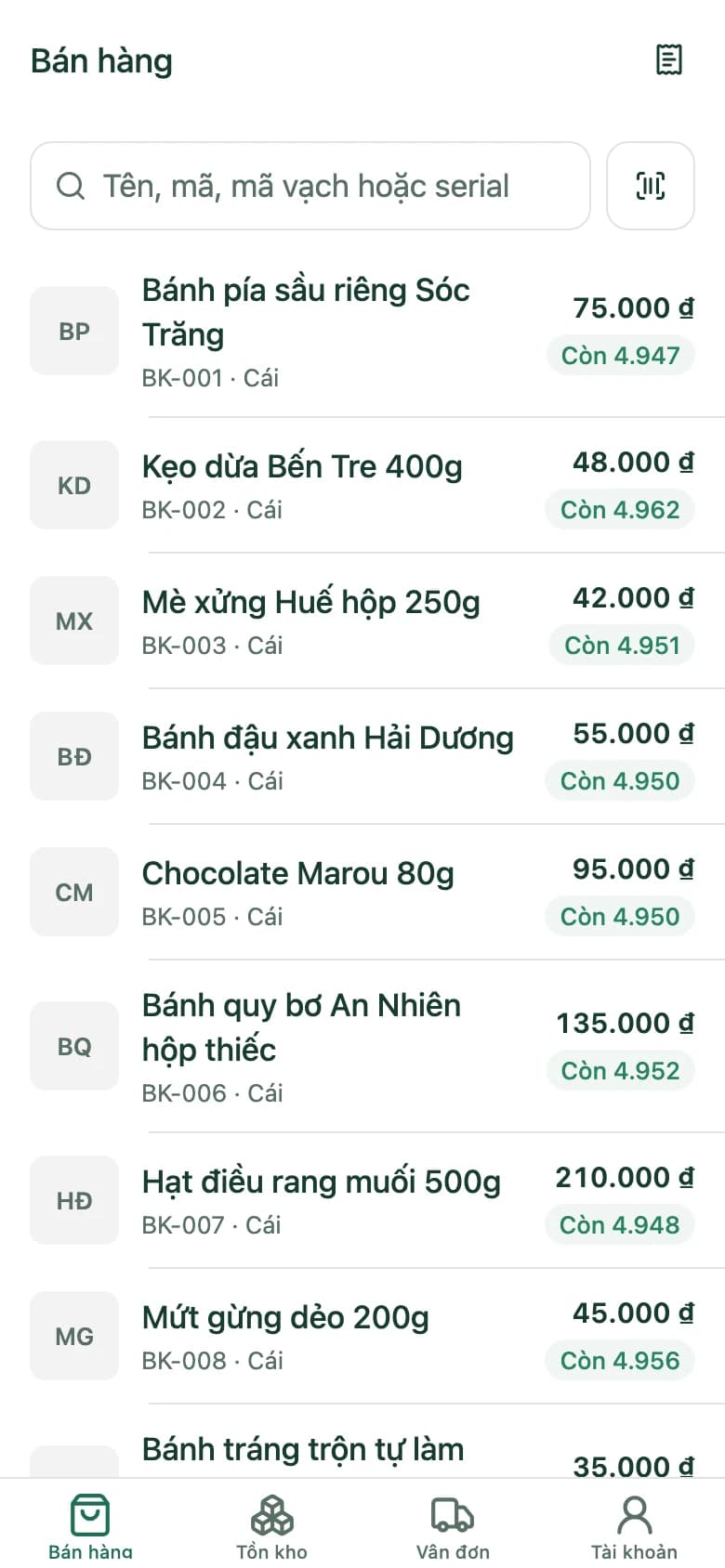
Sell from anywhere in the shop
Camera barcode scanner
Point the phone's camera at a barcode and the item's in the cart.
Per-line discounts
Discount any single item in the cart.
Cash with change due
Enter what the customer hands over; the app works out the change.
Self-confirming QR
The transfer QR confirms itself when the money arrives.
E-invoice on request
Customer wants an e-invoice? Record it at checkout.
Stock lookup
Stock per warehouse: on shelf, reserved, projected.
Shipments in hand
To do, Drafts, On the way, Done — right on the phone.
Open and close shifts
Staff open and close their own shifts in the app.
Phones and tablets
On a tablet, the app splits into two panes to make use of the bigger screen.
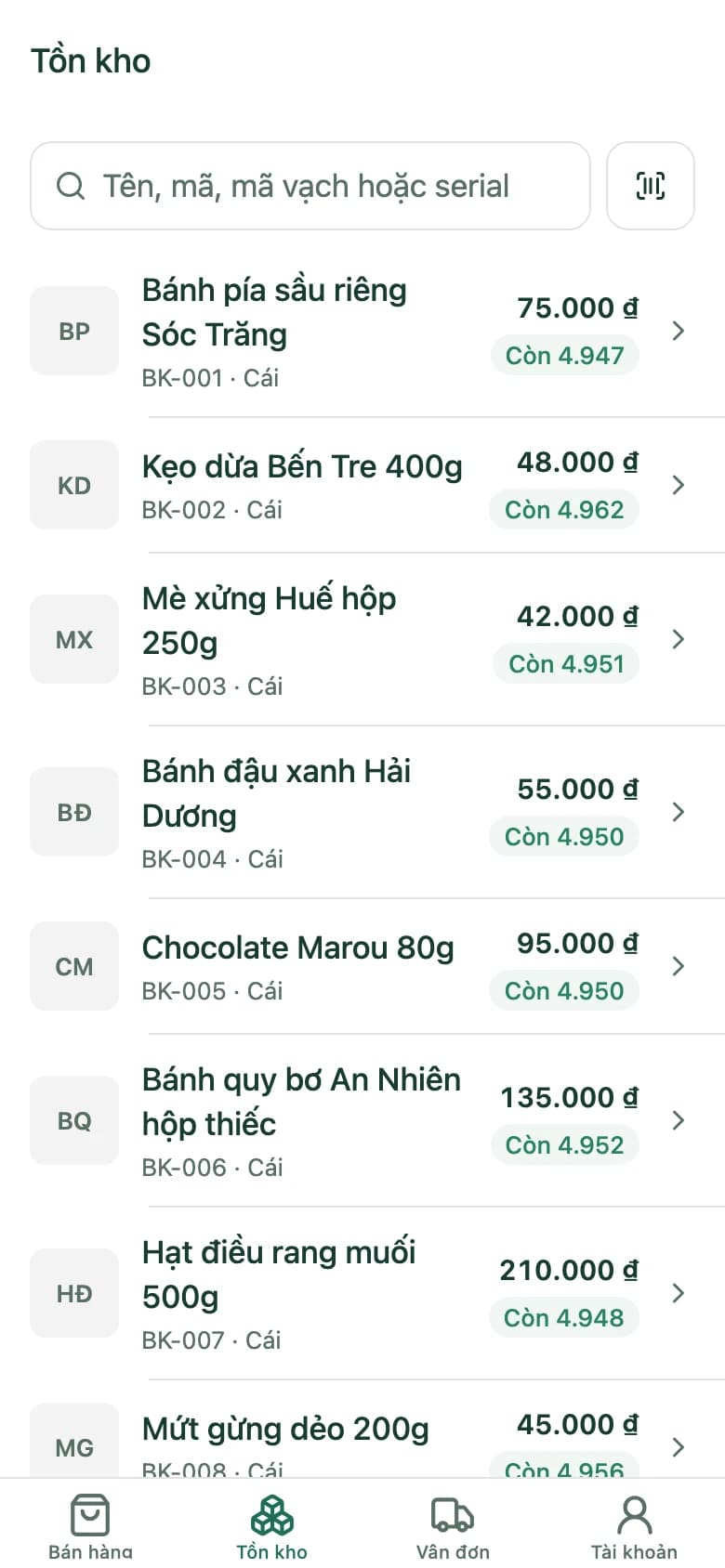
Stock
Check stock without walking to the back
Search for an item to see quantities per warehouse: on shelf, reserved and projected.
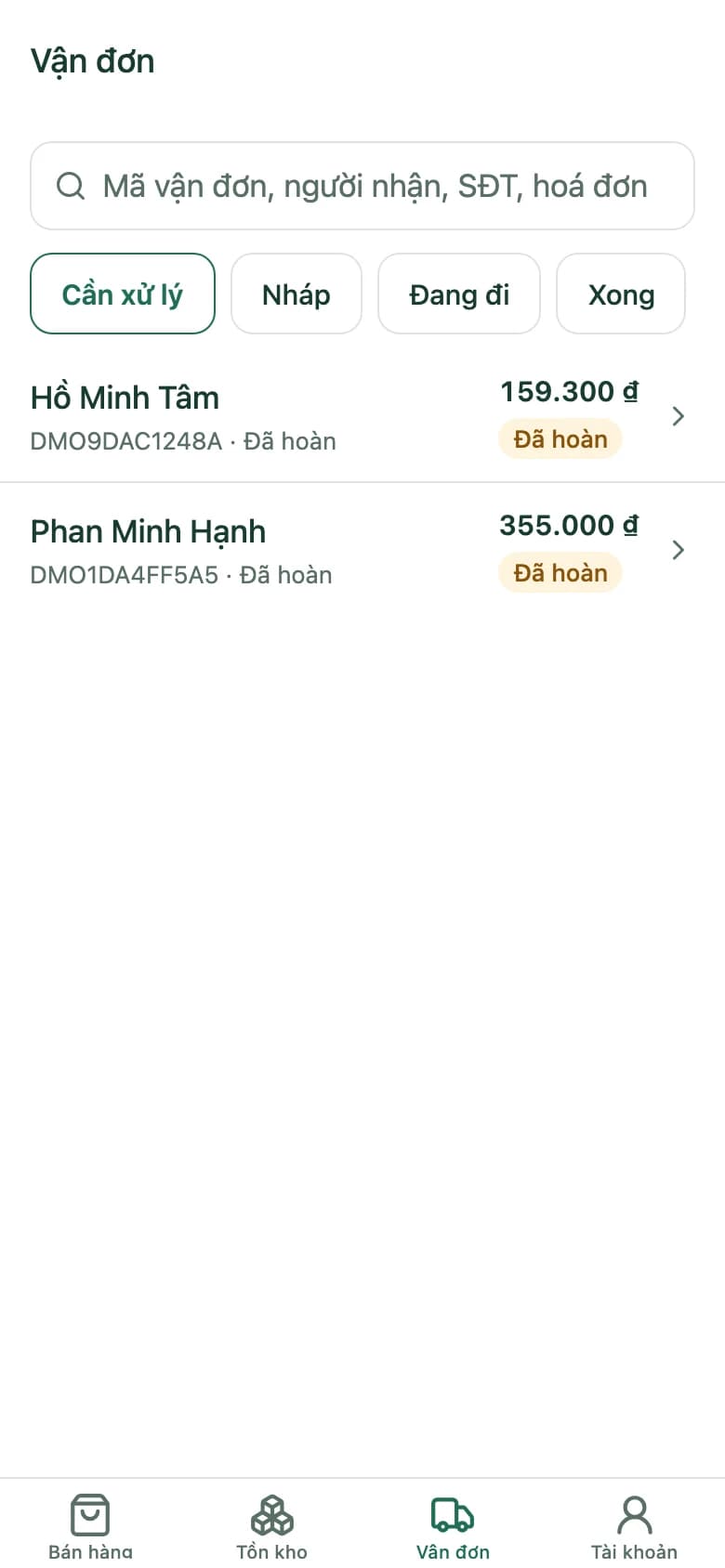
Shipping
Shipments sorted by what needs doing
Shipments are grouped into To do, Drafts, On the way and Done, so you know which ones need attention.
Shaky connection
Never a duplicate sale
Completing a sale needs a connection. If it drops halfway and you tap send again, the sale is still recorded exactly once.
One sale on the app
- Tap to complete the sale
- The connection drops
- Tap send again
- The sale is recorded exactly once
Every sale carries its own ID from the moment it's created on the device, so sending it again never creates a second one.
Selling on the app
- 1
Sign in
Enter your shop's address and your staff account.
- 2
Open your shift
Each staff member opens their own shift.
- 3
Sell and get paid
Scan, take cash or QR, and close the shift at the end.
Mobile app questions
Which devices does the app run on?
iOS and Android, on phones and tablets; tablets get a two-pane layout.
Can I sell on a weak connection?
Completing a sale needs a connection. If it's shaky and you send again, the sale is still recorded once — never twice.
Do I need a separate barcode scanner?
No. The app uses the phone's camera to scan barcodes.
Do app sales go into the same books as the till?
Yes. The app works on the shop's own data: sales, stock and shipments are all the same.
Can staff see everything on the app?
Staff sign in with their own accounts and work within the role they've been given.
Open the mobile app on the demo shop
Scan, take payment, check stock and shipments on a phone-sized screen.